Editor Overview
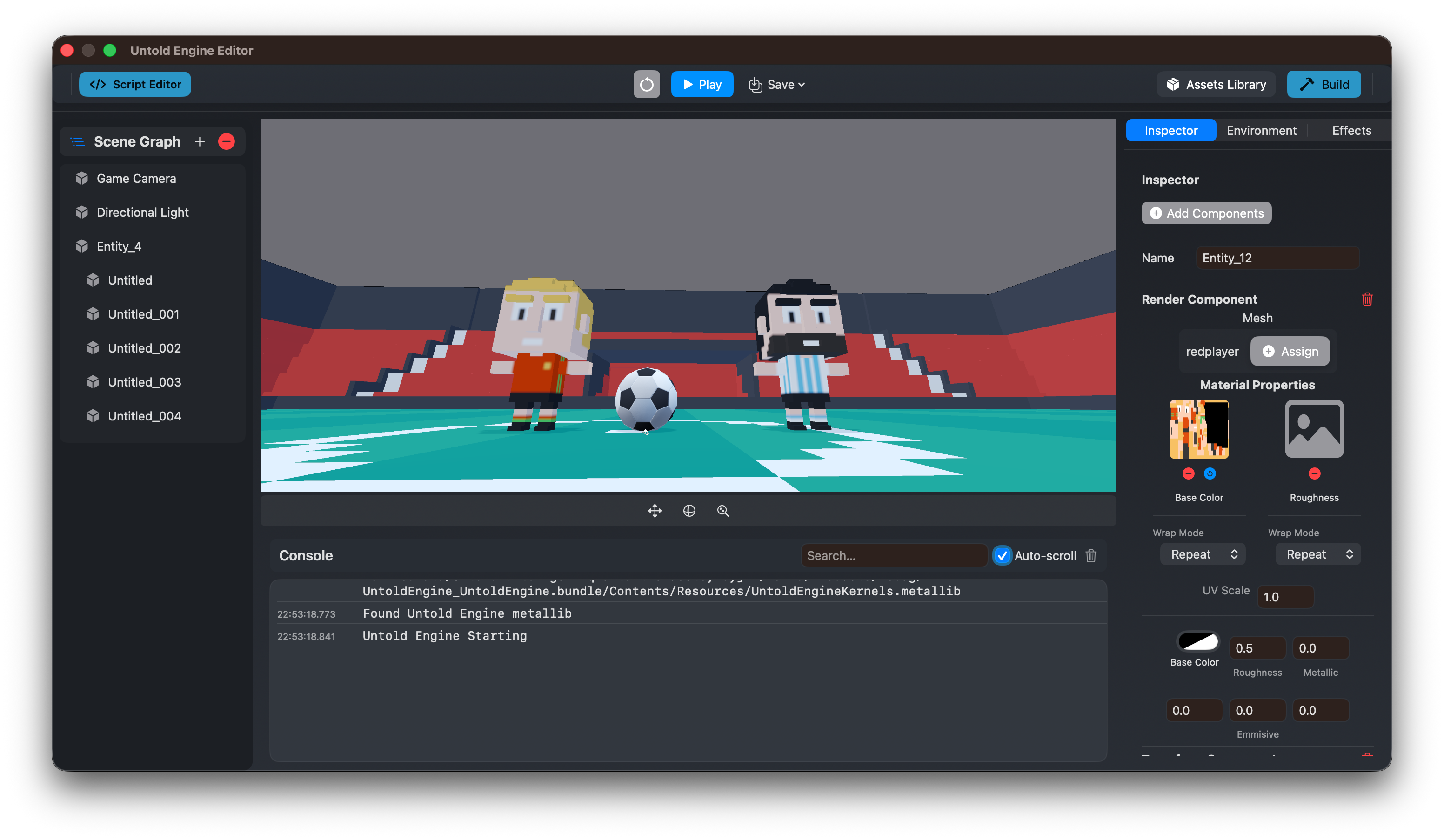
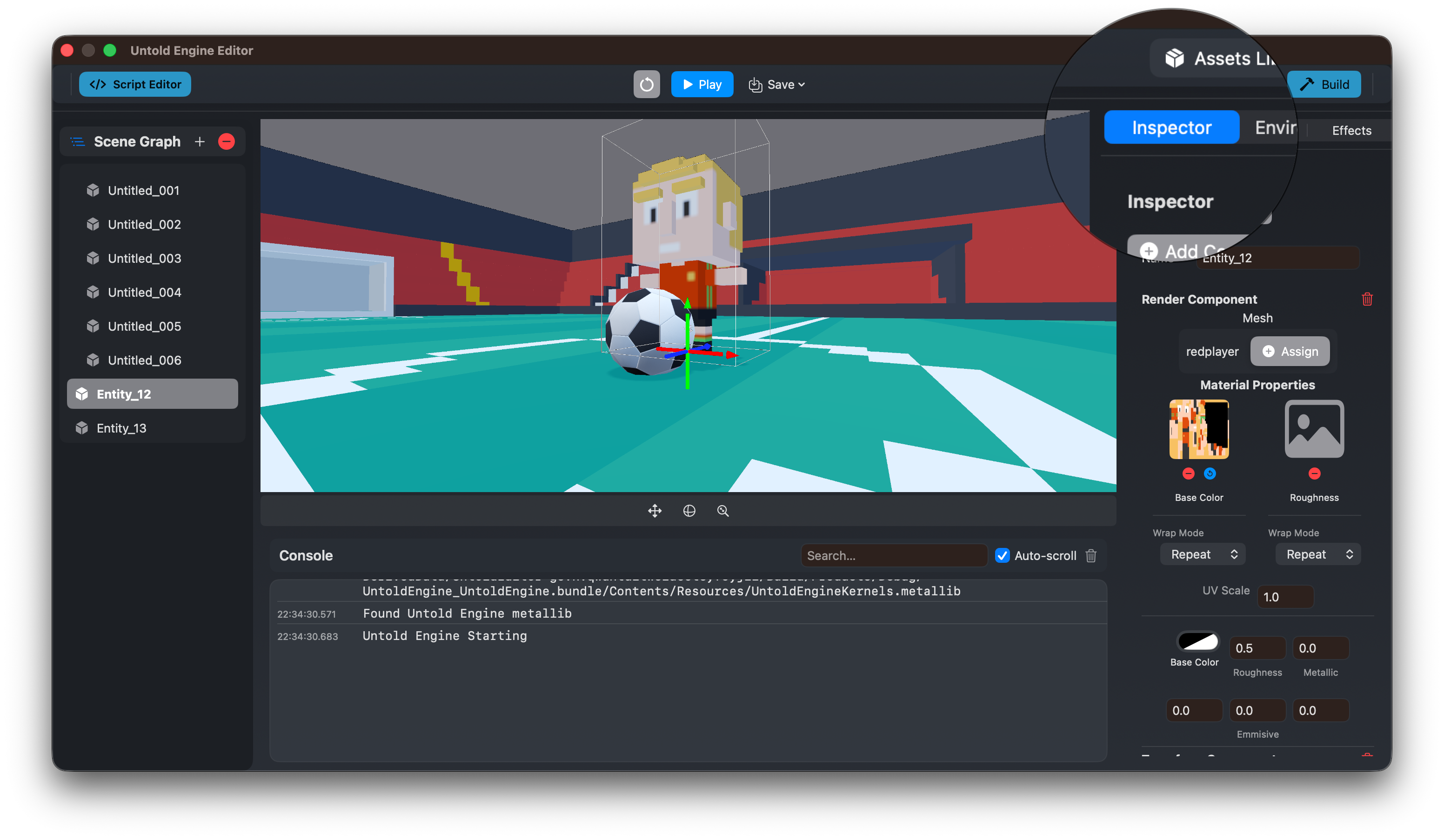
The editor is the primary environment for building games with the Untold Engine.
It is designed to be explicit, predictable, and tightly integrated with the engine runtime. What you see in the editor reflects what runs in the game.
This page provides a user-facing overview of the editor for game developers.
Purpose of the Editor
The editor allows you to:
- Create and manage scenes
- Inspect and modify entities
- Write and iterate on gameplay scripts
- Manage assets
- Preview runtime behavior in real time
The editor is not a separate simulation layer — it runs directly on top of the engine runtime.
Core Editor Views
The editor is composed of several focused views, each with a clear responsibility.
Scene View
The Scene View is where you visually interact with the world.
You can:
- Navigate the scene camera
- Select entities
- Translate, rotate, and scale entities
- Preview lighting and scene composition
This view reflects the engine’s real transform and rendering state.
Scene Hierarchy View
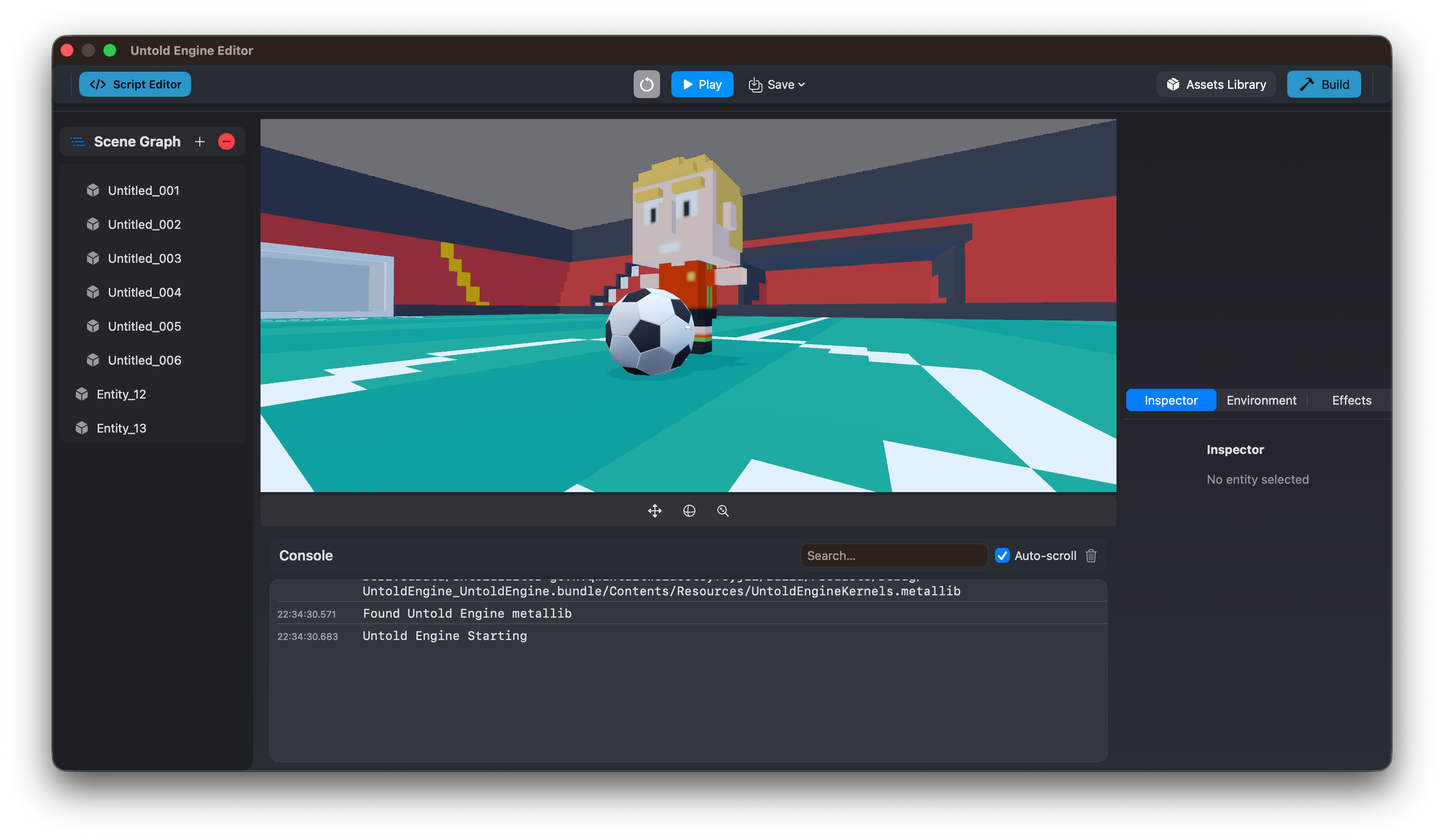
The Scene Hierarchy shows all entities in the current scene.
It allows you to:
- View parent–child relationships
- Select entities
- Organize scene structure
The hierarchy mirrors the engine’s internal scene graph.
Inspector View
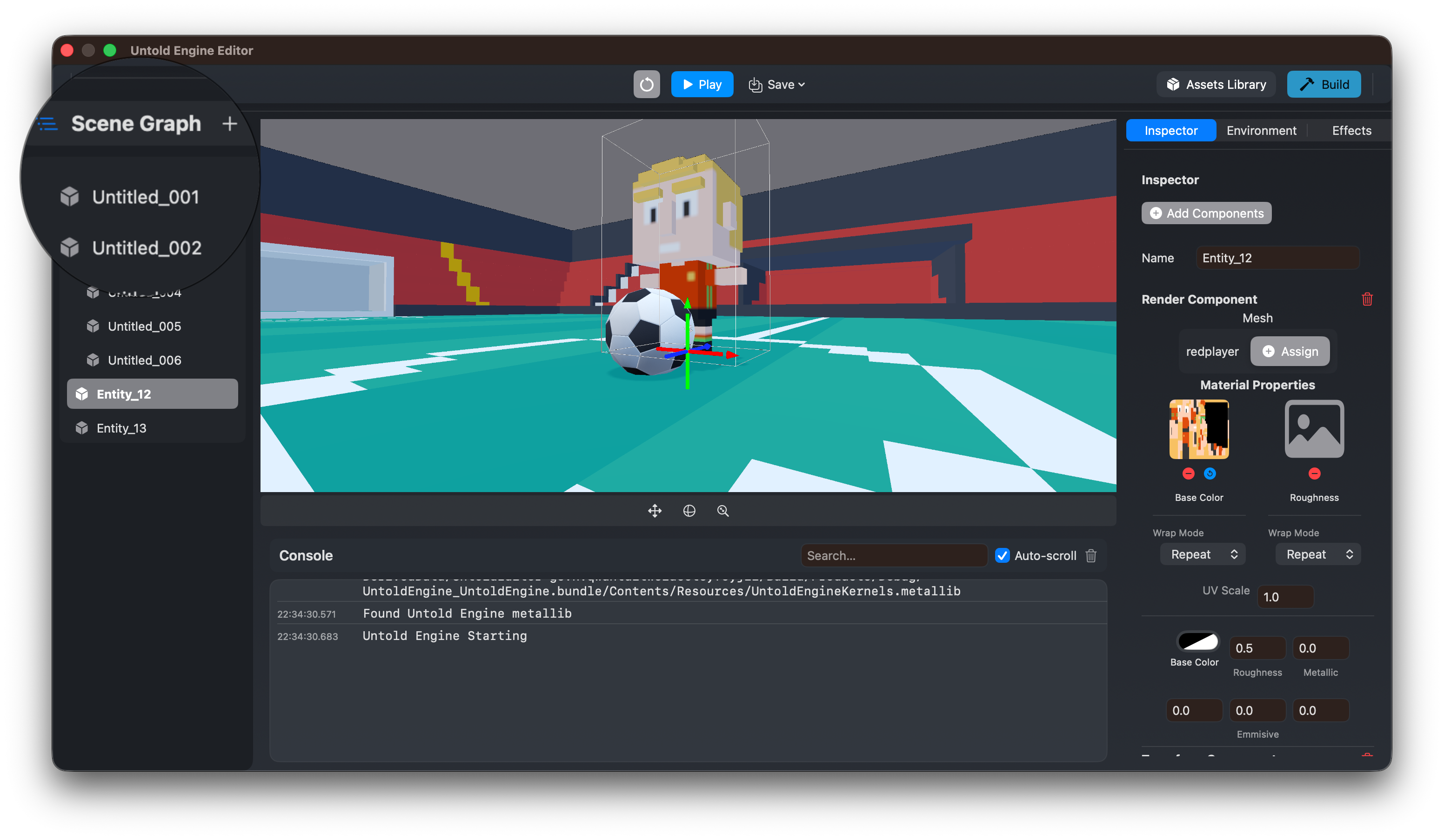
The Inspector displays detailed information about the selected entity.
From the Inspector, you can:
- View and modify components
- Adjust transforms and properties
- Attach scripts and assets
Changes made in the Inspector apply directly to the runtime state.
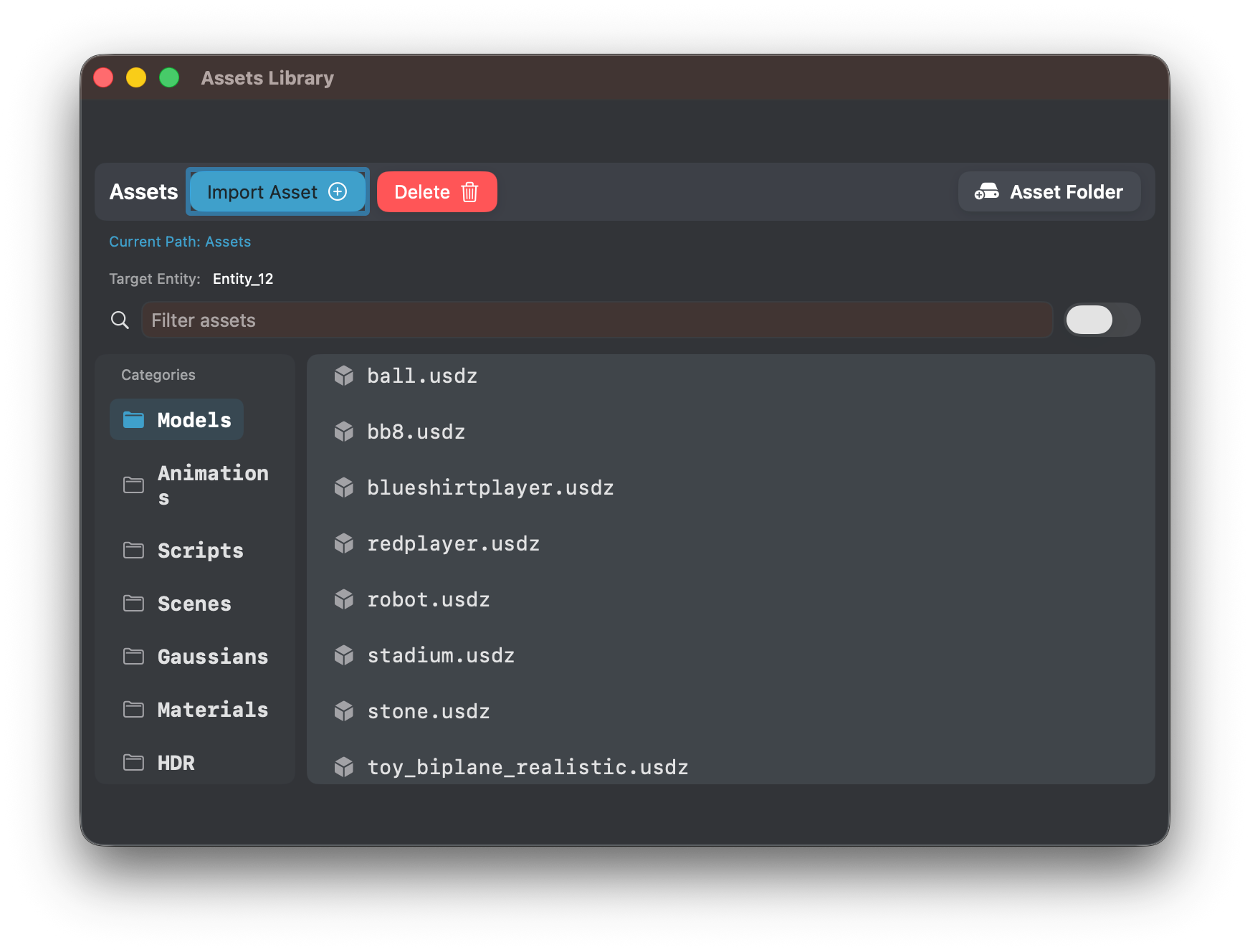
Asset Browser View
The Asset Browser provides access to project assets such as:
- Models
- Textures
- Scripts
- Scenes
Assets imported through the editor are organized and made available to the engine automatically.